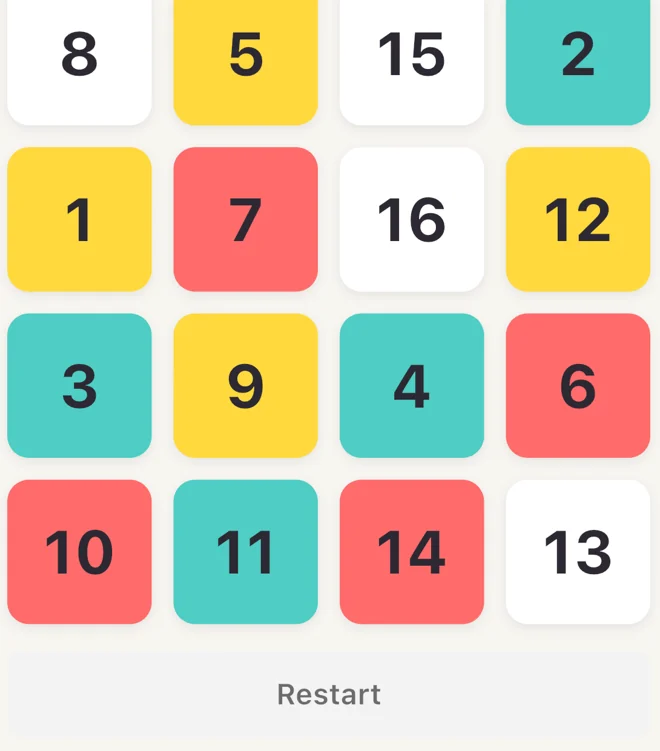
Find the numbers
Practice visual search by tapping numbers in order on a Schulte grid. Try Stroop for a different kind of focus exercise.
Try the Schulte grid MindFit.
Download
MindFit is a brain training app for focus, memory, and reaction time. Try a round and see how you do.
Download on the App StoreFor iPhone and iPad
Tap 1 through 9 in order and see how long it takes.
3 × 3 practice grid
Find a number, remember a spot, or wait for a cue. Each exercise has its own rules and scores.
Practice visual search by tapping numbers in order on a Schulte grid. Try Stroop for a different kind of focus exercise.
Try the Schulte grid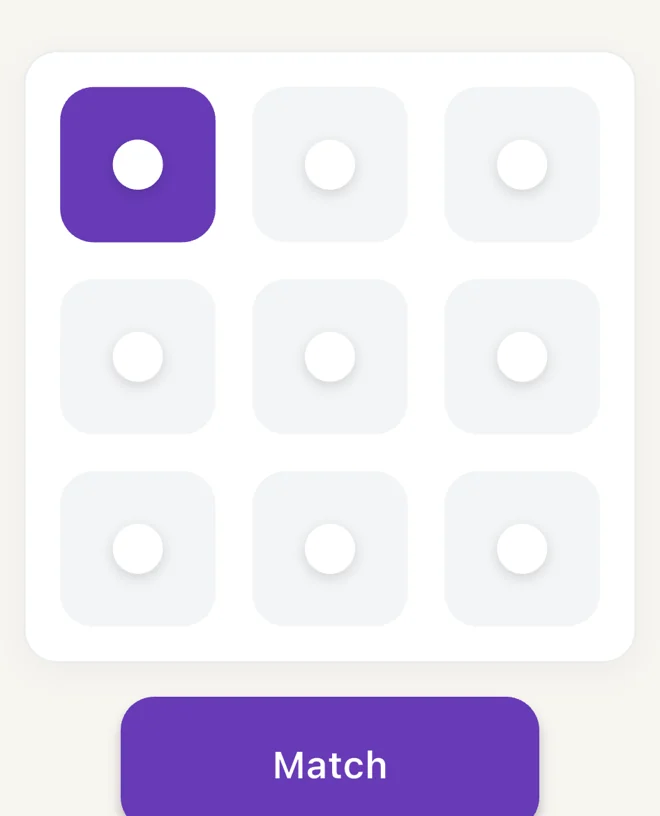
In visual N-back, different squares light up. Decide whether the current position matches one you saw a few steps earlier.

Tap when the screen turns red. Your reaction time starts when the signal appears.
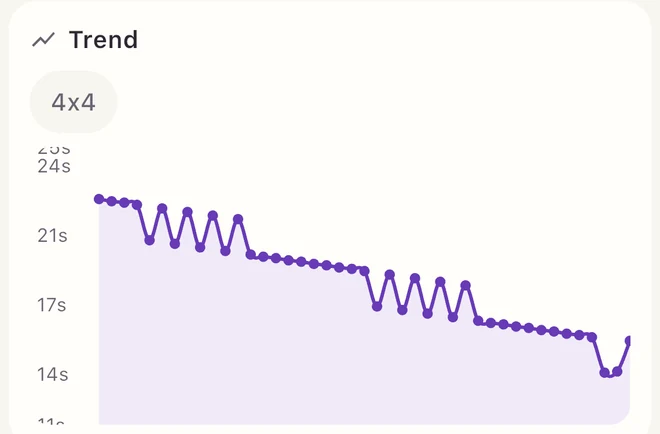
Review scores by exercise and difficulty, and see your trend over the last 30 days. Each difficulty has its own record.
Start with the smallest number and tap the numbers in order until the grid is complete. Try a 3 × 3 grid here, or play 4 × 4 and 5 × 5 grids in the app.
In MindFit’s visual N-back, you decide whether the highlighted position matches the one shown N steps earlier. In 2-back, you compare it with the position from two steps ago.
Time and accuracy measure your performance on individual exercises and let you compare your own sessions. Game Brain Age is also an in-game performance metric.
MindFit is available for iPhone and iPad. See the App Store listing for current compatibility and pricing.